How it works
One QR code. Every point of view.
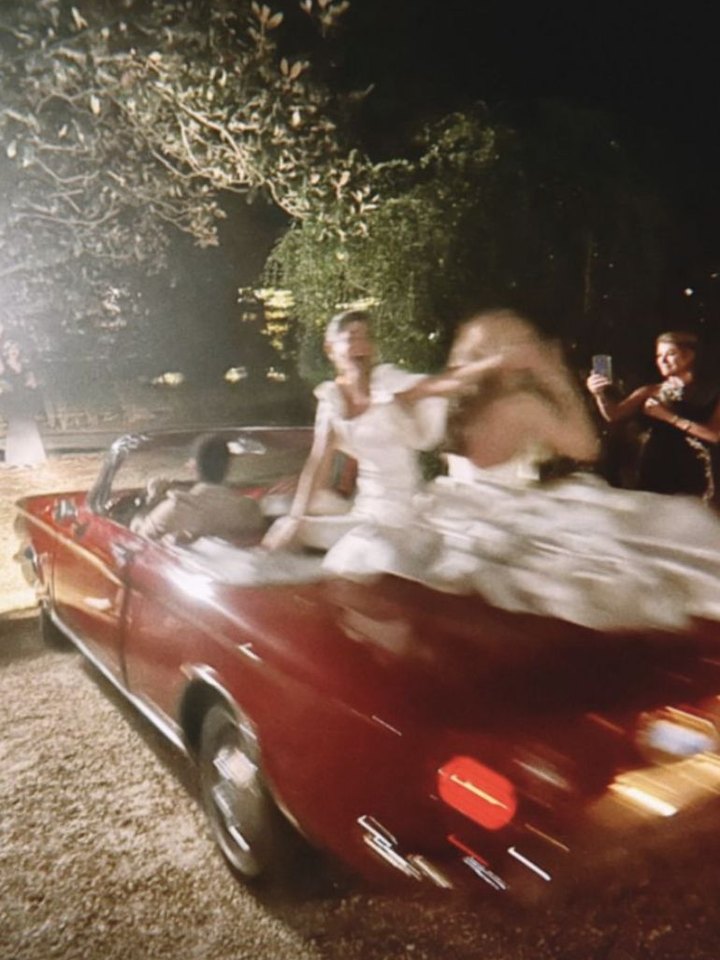
The fun of a disposable camera, on your guests’ phones. Set up your event, let everyone take their shots, and choose when guests get to see the photos.
For hosts
Set it up in a few steps.
- 1
Create an account, name your event, and choose the occasion.
- 2
Choose when the camera closes and when guests see their photos: during the event or once it ends. Late uploads from guests’ own phones stay off unless you turn them on.
- 3
Original, vintage or black & white. Every original is stored untouched, so the style can change later.
- 4
Up to 5 guests is free. Choose how many shots each guest gets. During the event every photo comes from the live camera.
- 5
Print the QR code for the tables or share the link. Guests scan it, take their shots and wait for the reveal.




For guests
Scan, shoot, wait for the reveal.
- 1
Scan the code
Open the camera app on your phone and point it at the QR. Mira opens in your browser.
- 2
Type your name
That's all we ask. No app, no account, no password.
- 3
Take your shots
Take a photo and let the moment carry on. The counter shows how many shots you have left. Your photos stay hidden from you until the reveal.
- 4
Come back for the reveal
Keep the link, or leave your email and we'll send it to you. When the host's reveal time arrives, your photos — and everyone's, if the host allows — appear.


FAQ
Questions, answered.
- Do guests need to install an app?
- No. The QR code opens a web page with the camera built in. It works in Safari and Chrome on any recent phone.
- What do guests see before the reveal?
- Guests can see their remaining shots, but not their photos. At the reveal time, they can see their own photos and, if the host allows it, everyone else’s.
- Can the host see photos before the reveal?
- Yes. Guests wait for the reveal, but hosts can review every photo as it arrives and remove it from the event.
- Do styles change the original photo?
- Never. Styles are applied to copies. The original is stored untouched and you can always download it.
- Can I download the photos?
- Yes. Hosts can download individual original photos from the event page.
- What if a guest's upload fails?
- Mira retries pending uploads when the guest returns to the event on the same phone and browser. Keep that browser’s data until the upload finishes. Photos taken in Mira during the event can finish uploading after the camera closes.
- Can guests add photos after the event?
- Yes, if the host allows it. Guests can add photos taken on their own phones during the event. The upload window lasts one day by default; the host can extend it to a week or turn it off. This is separate from retrying pending Mira uploads.
- What if a guest loses the link or their phone forgets them?
- A guest who leaves their email gets the reveal link by email, and that link opens the event on any phone. Without an email, the invite page has an “already joined on another phone?” button that sends a fresh link.